🚀 Integrated AI Tool Manual
This manual explains how to use the unified AI platform that integrates multiple AI engines such as Nano Banana Pro, DALL-E 3, Gemini, and Midjourney.
Step-by-step instructions are provided with examples and screenshots.
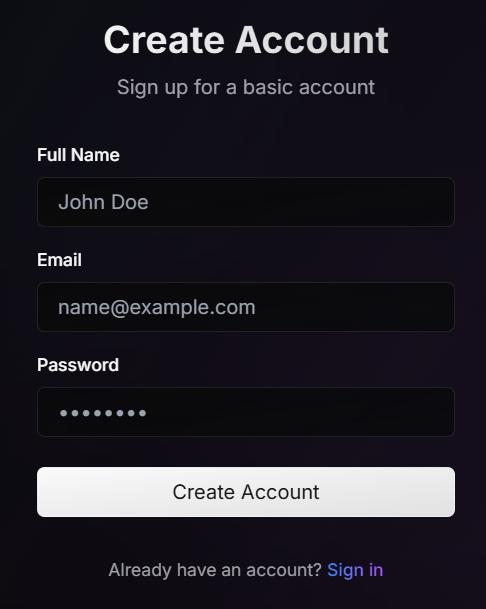
✅ 1. Account Registration
On the login screen, enter the following information in order:
- Name
- Email Address
- Password
Click the “Register” button to complete your registration.
✅ 2. How to Use the Image Generation Feature
This tool includes multiple image generation AI engines.
You can select which AI to use each time you generate an image.
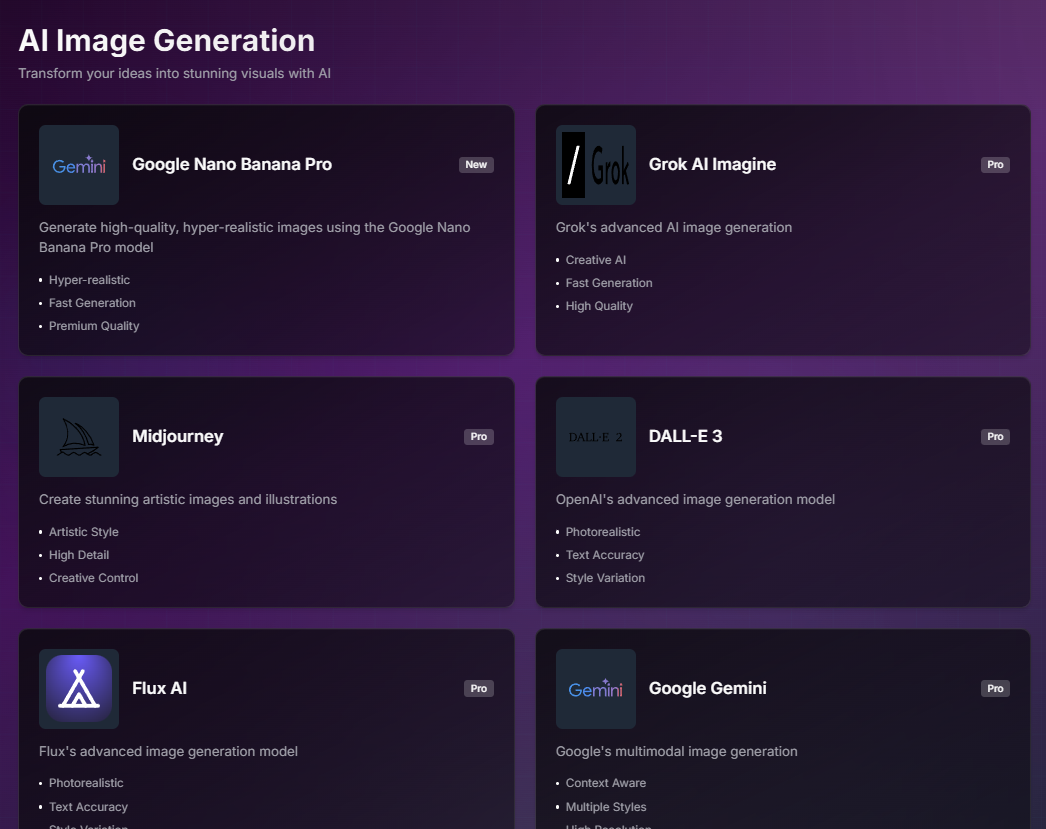
Available AI Engines
- Nano Banana Pro: Fast and intuitive.
- DALL-E 3: Stable composition and high conceptual accuracy.
- Midjourney: Strong in artistic and realistic styles.
🧾 Image Generation Steps
-
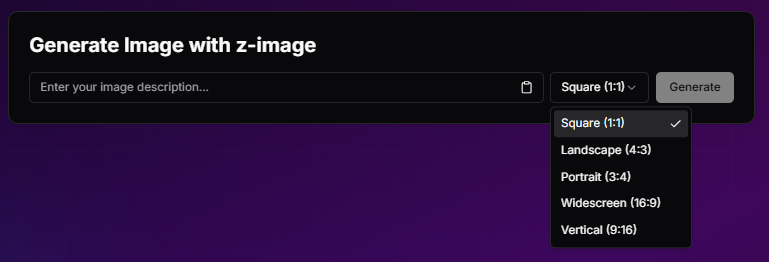
- Select “AI Image Generation” from the left menu or dashboard.
- Choose the AI model (e.g., Nano Banana Pro).
- Enter your prompt.
- Select image size (e.g., 1:1, 16:9).
- Click “Generate”.

📅 Image Generation Limit
- Maximum 20 images per day
- Resets the following day
⚠ The system does not display the number of generated images.
Please manage your usage manually.
✅ 3. Video Generation Feature
🧾 Video Generation Steps
- Select “AI Video Generation” from the menu.
- Enter your prompt in English.
- Click “Generate.”
- If the progress bar stops at 30%, wait — the video will still complete.
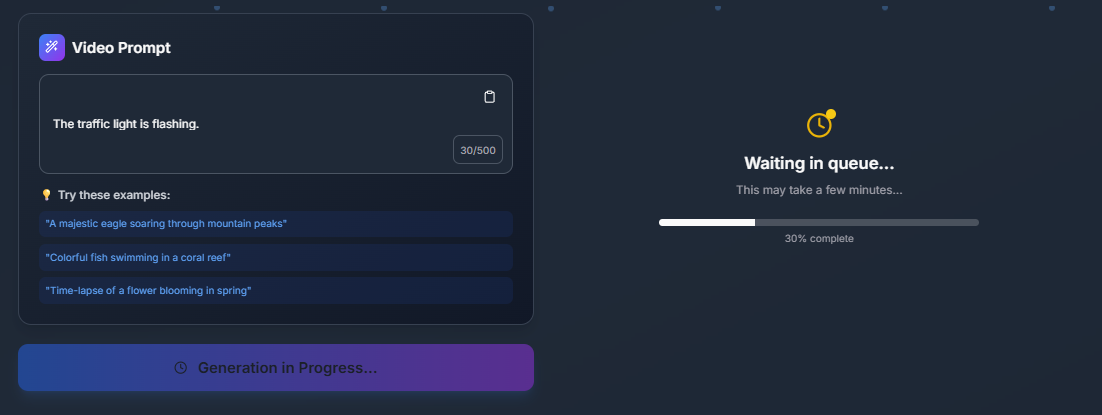
🖼 Example : “Colorful fish swimming in a coral reef”
At this stage, the video generation feature is optimized for simple visual outputs.
If you require highly advanced cinematic quality, consider using specialized video tools.
⚠ Important Notes (Image & Video)
- Generated results are NOT automatically saved.
- Refreshing the browser, inactivity, or session expiration will delete data.
- Download your content immediately after generation.
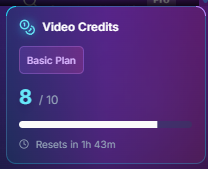
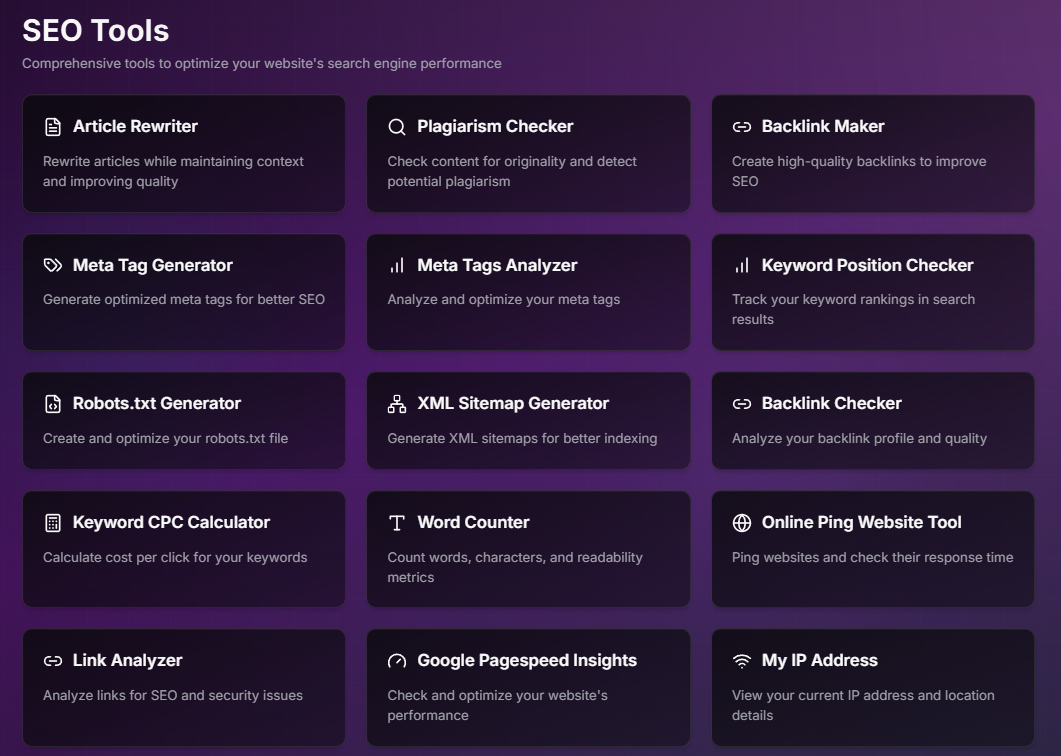
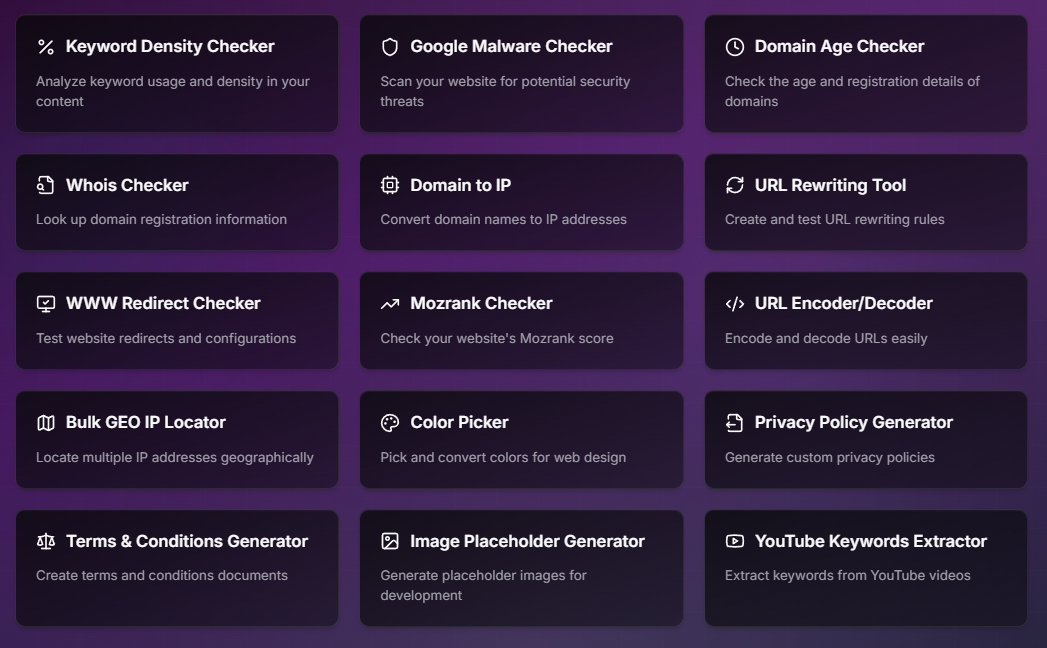
🔧 SEO Tools (Reference)
This platform also includes built-in SEO tools.
(Detailed explanation is omitted in this manual.)
🟡 How to Use This Tool “Practically Unlimited”
The image generation feature has a limit of 20 images per day.
However, there is a simple workaround:
🚀 Method:
Register a new account using a different email address.
- No confirmation email is sent.
- Even non-existent email addresses can be used.
- Works on the same PC and browser.
By repeating this process, you can continue generating images beyond the daily limit.
🎁 How to Receive This Tool
This integrated AI tool (Nano Banana Pro / DALL-E 3 / Gemini and more) is offered as a gift under the following condition:
🔁 Retweet the designated post on X (formerly Twitter)
👉https://x.com/Rovela00/status/2023370109155483773
💬 Comment: “I want it”
After Posting:
- Take a screenshot of your post.
- Submit it via the designated form.
📮 Submission Form: [https://konkapo.net/x/]
Once your post is verified, the tool access URL will be sent to you.
A powerful AI tool in exchange for just one post — don’t miss this opportunity.